Mac OS Software Installation Guide
By default, installing any app from the Apple Store requires an Apple account to start downloading (even for free software).
To solve this issue, the IT Team has pre-installed Gear Games Self Service software on user Mac computers.
Currently, the catalog includes approximately 22 frequently used software applications for Mac OS. Users can easily click and install without needing to create or enter an Apple account.
Available Software List
Developer Tools:
- Xcode - Apple's integrated development environment
- VS Code - Visual Studio Code editor
- Sublime Text 4 - Text and code editor
- Unity Hub - Unity game engine manager
- Github Desktop - Git version control GUI
- Rider - JetBrains IDE for .NET development
Communication:
- Slack - Team collaboration platform
- Discord - Voice and text communication
- Zalo - Vietnamese messaging app
- Zoom - Video conferencing software
Productivity Tools:
- Termius - SSH client and terminal
- EVkey - Vietnamese input method
- Pages (similar to Microsoft Word)
- Numbers (similar to Microsoft Excel)
- Keynote (similar to Microsoft PowerPoint)
How to Install Software
- Open Self Service application on your Mac
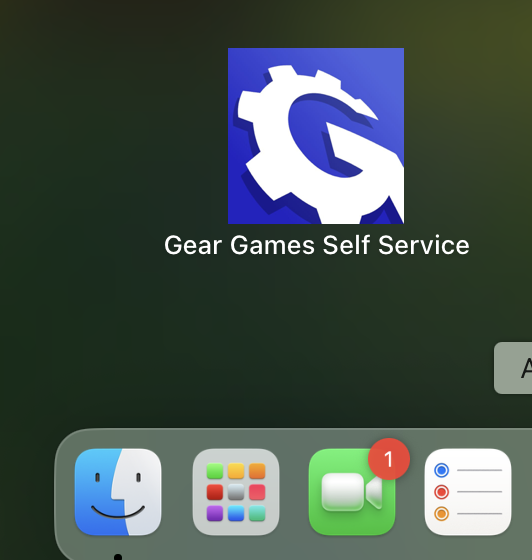
- Browse the available software catalog
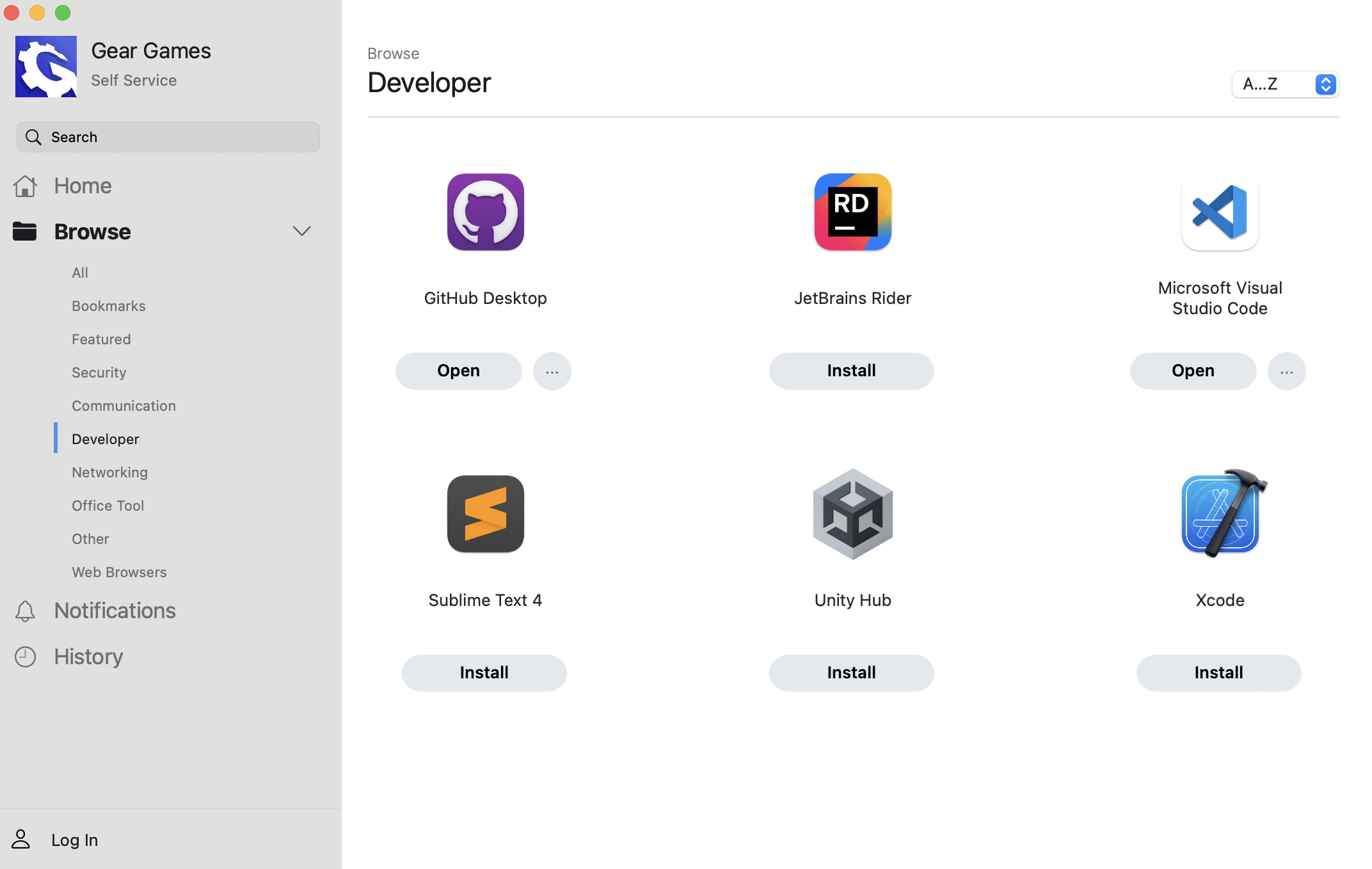
- Click on the software you want to install
- Wait for the installation to complete automatically
Request Additional Software
You can also request IT to add software to the catalog if you feel it's necessary for your work. Please submit your request through JSM (Jira Service Management).
tip
Check the Self Service catalog first before requesting new software, as it may already be available.