VPN Connection Guide
NetBird is replacing OpenVPN. For new setups, follow the NetBird VPN guide.
Gear Games currently has 3 VPN servers located at 3 offices in Vietnam.
Available VPN Servers


Step 1: Download OpenVPN Client
Download the appropriate OpenVPN client version for your device:


Step 2: Import VPN profile from URL
- Click or tap the add icon.
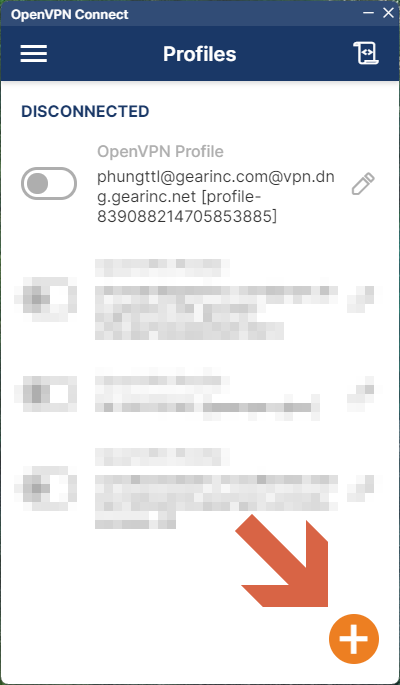
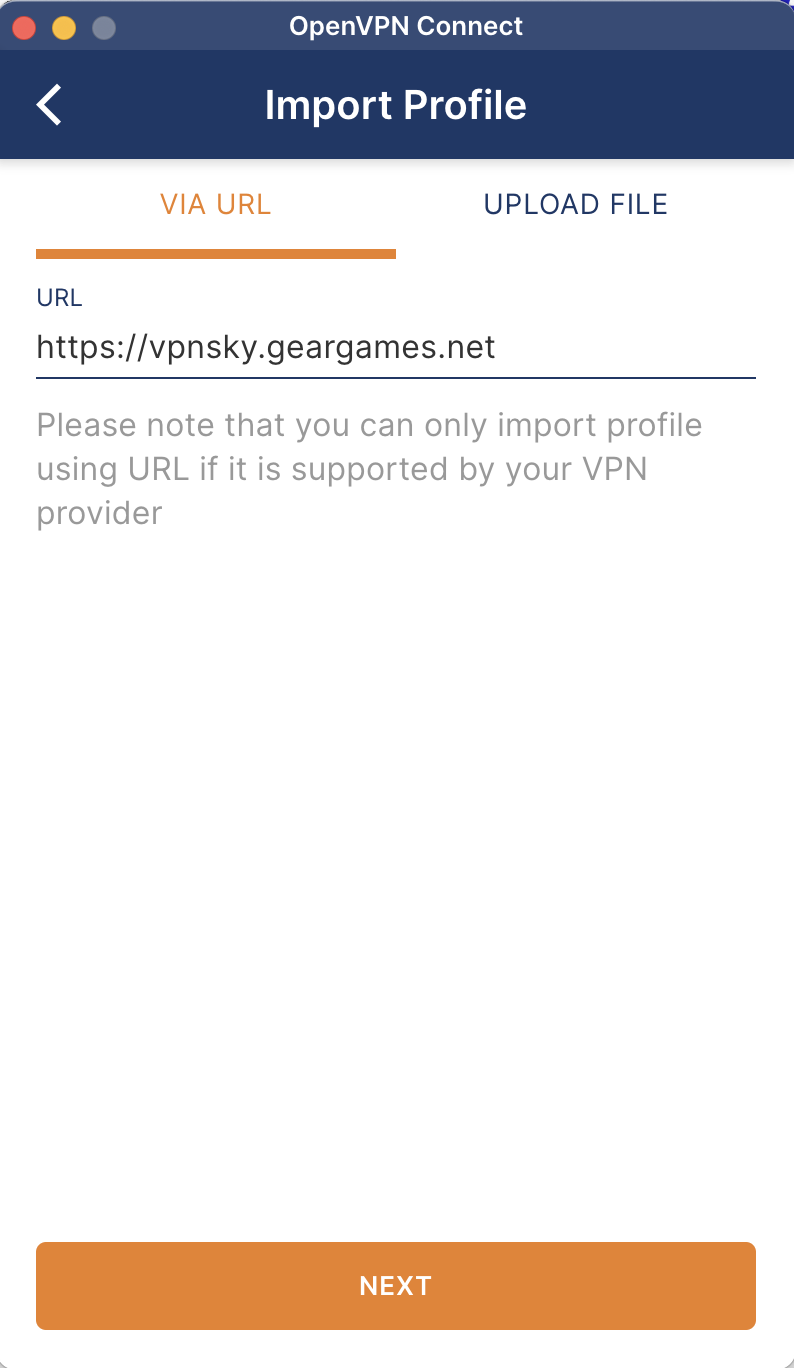
- The Import Profile screen displays.
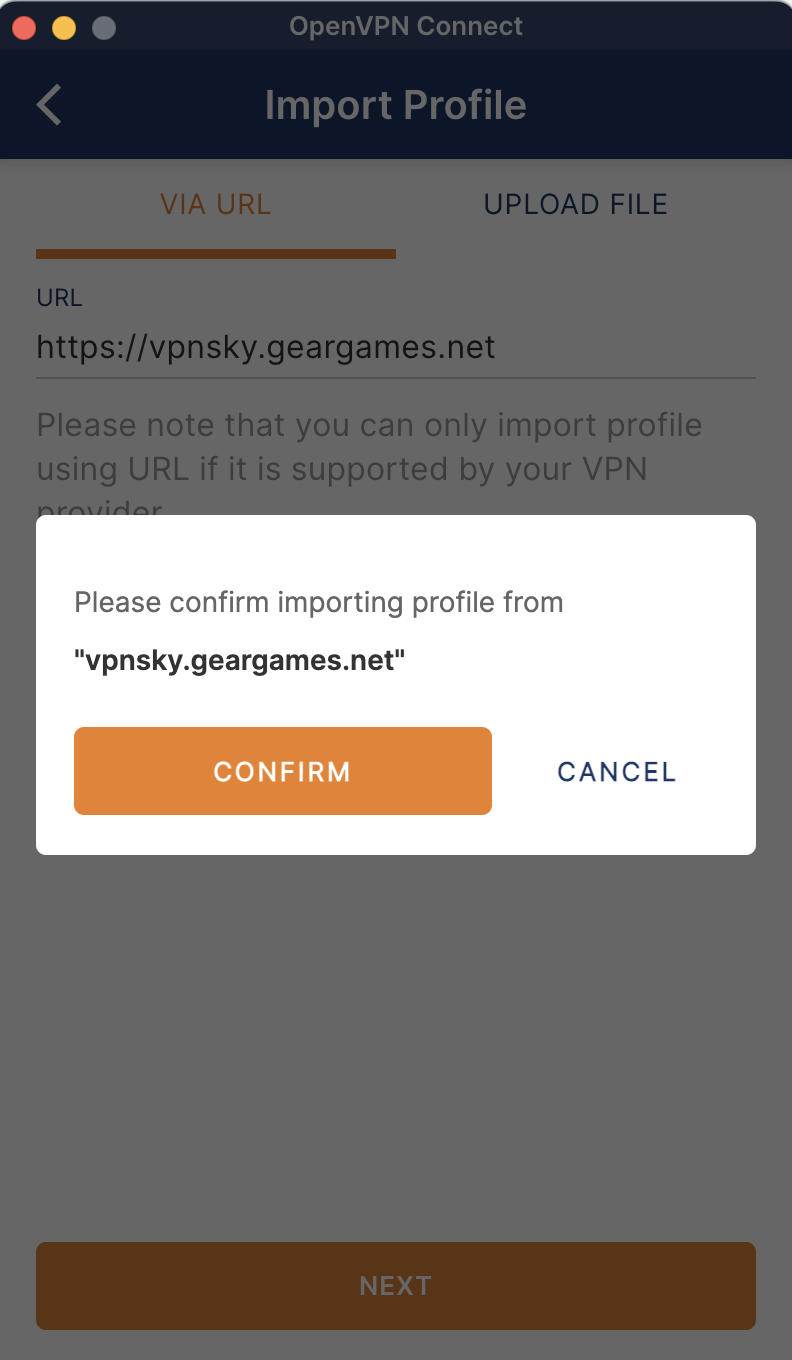
- On the URL tab, enter the URL for your VPN server and click or tap Next.
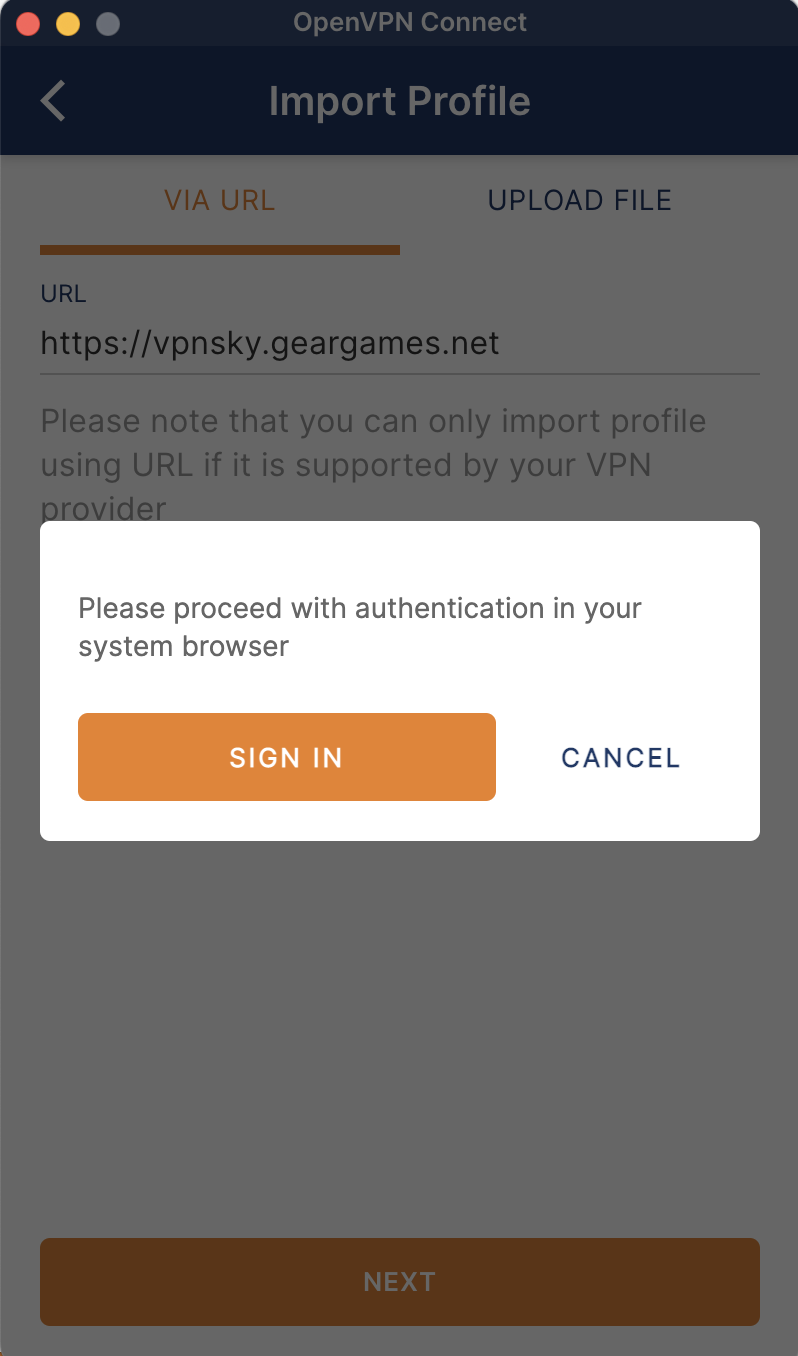
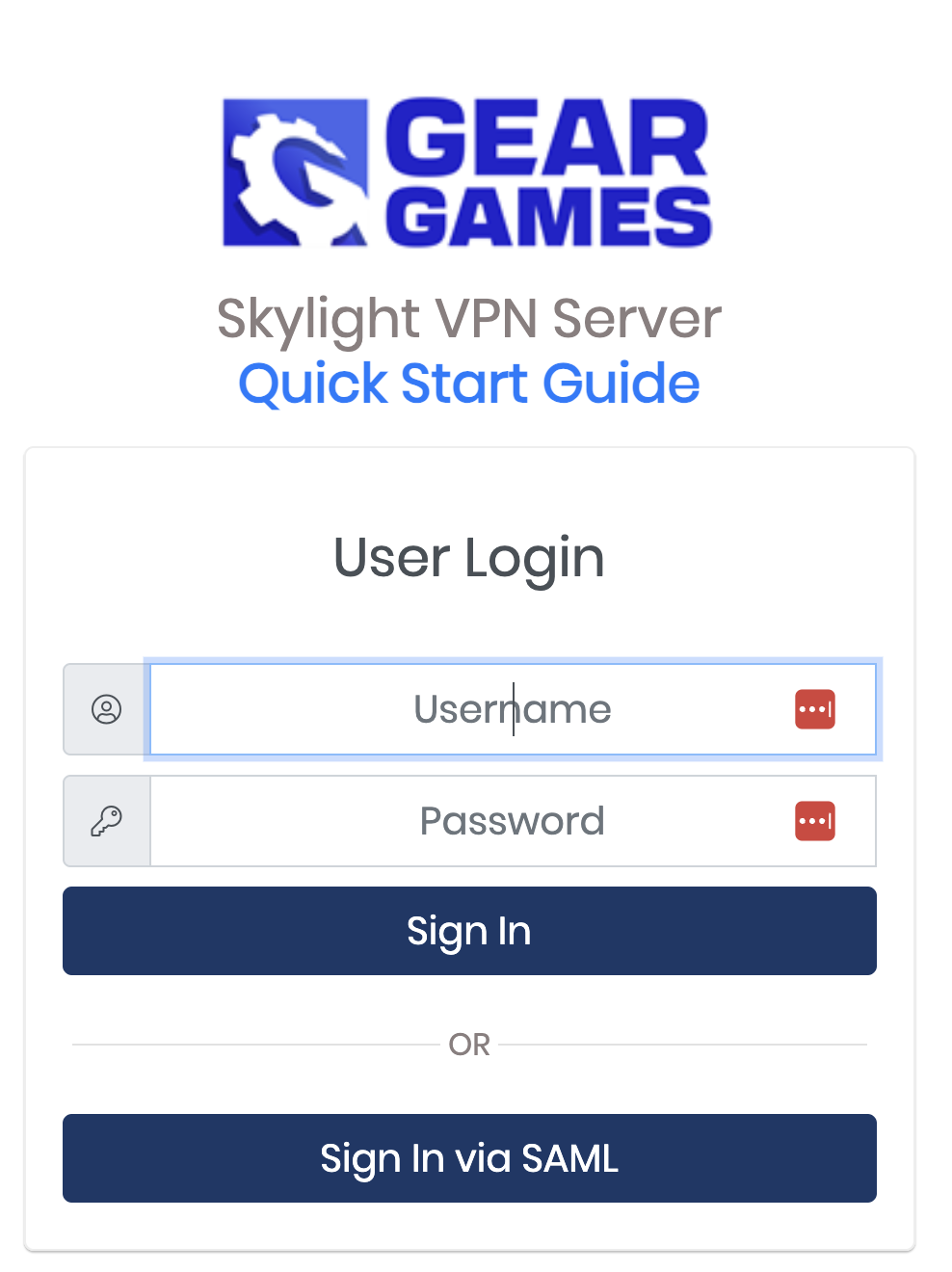
- The authentication screen displays.
- Click Sign In via SAML and choose to login with your company email account
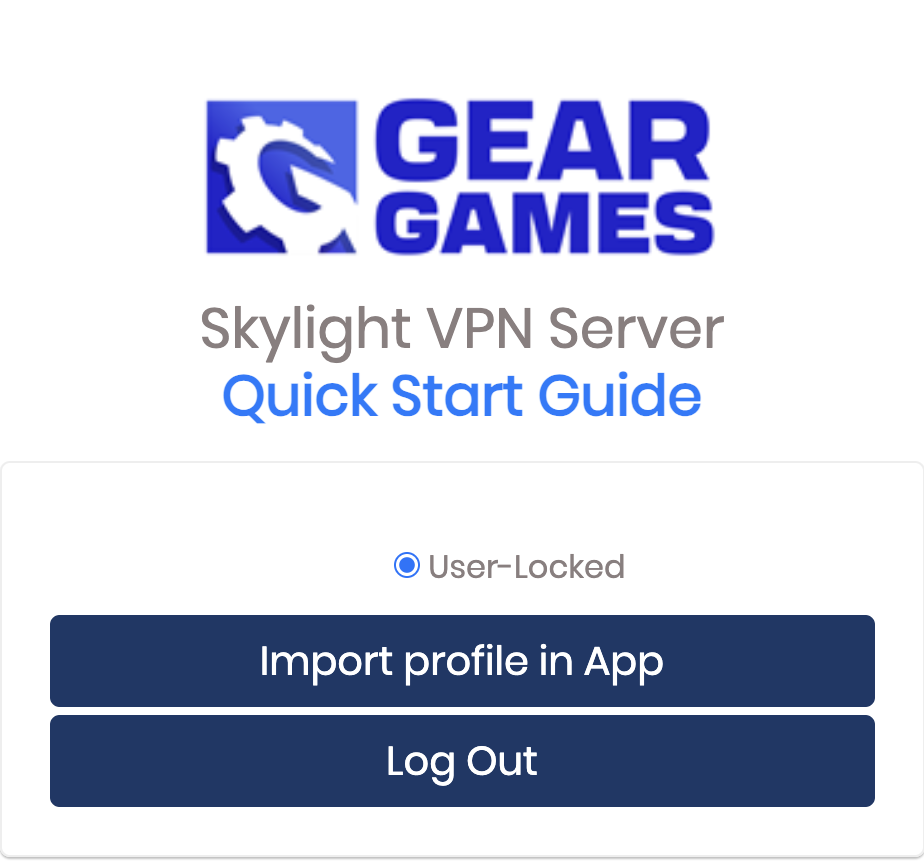
Then select Import profile in App
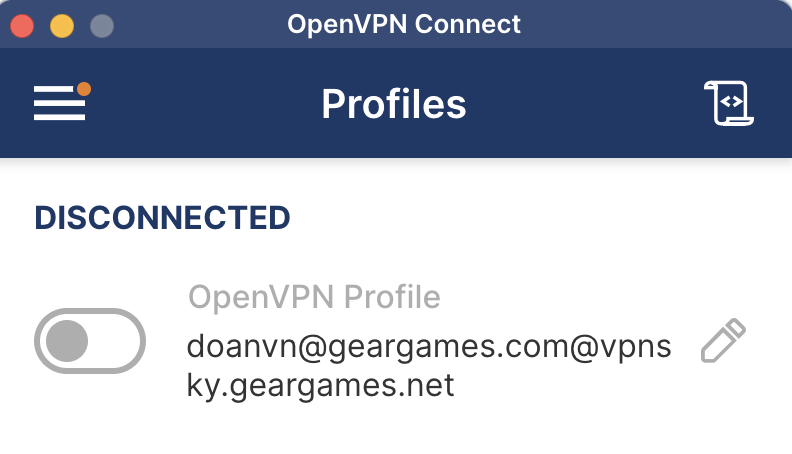
- The new profile displays in your app.
After downloading the OpenVPN client:
Click the button next to the imported VPN profile to authenticate and connect to the VPN server
Do the same to import VPN profiles for other offices
Important Notes
- Choose the nearest server for better performance
- Contact IT support if you experience connection issues
- Keep your credentials secure and don't share with others
- Use VPN only for work-related activities
FAQ
Unable to connect
Delete the current OpenVPN Client and install the latest version here
Pressed connect but only continuous spinning
Delete the current OpenVPN Client and install the latest version here
Incorrect information error
Delete the old profile and download a new VPN Profile following the instructions in Step 2
Successful connection but unable to access the required service
Choose the correct VPN Server for your workplace. If the issue persists, contact your IT department at your office for assistance.
Error message: remote_list_error: current remote server endpoint is undefined
This error occurs when IPv6 is enabled on your system. To resolve: